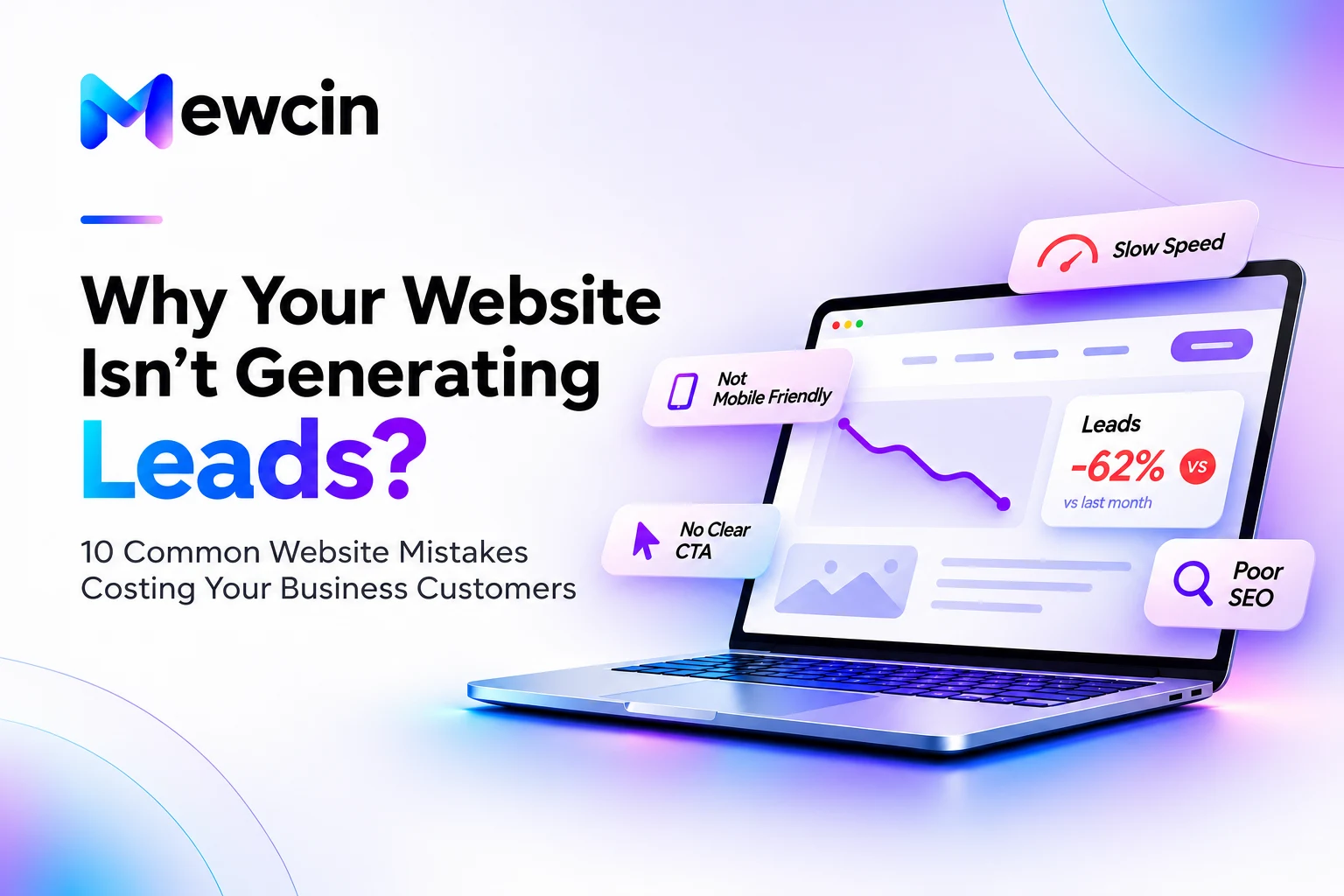
Having a website is important. Having one that helps the right people become customers is what matters. You can invest in attractive pages, list your services and publish regularly—yet still receive very few enquiries.
If your website is not generating leads, separate two questions: are suitable visitors arriving, and can they easily take the next step? A traffic problem needs a different fix from a broken booking link or a confusing service page. More visitors will not repair a contact form that never delivers a message.
This guide explains ten common website mistakes that can cost your business enquiries, how to spot them and what to improve first. It is written for small businesses and service providers who want a practical starting point, rather than a redesign based on guesswork.
Before you redesign: find where enquiries are being lost
Look at the journey from discovery to enquiry. Search impressions show whether people are seeing your pages in results. Visits show whether they arrive. Contact clicks show interest. A delivered, relevant enquiry shows whether the journey actually worked. These are different signals; do not count every button click as a new lead.
- Few relevant visits: review search visibility, the topics you target and where your marketing sends people.
- Relevant visits but little contact activity: review your offer, service information, credibility and calls to action.
- Contact activity but few received enquiries: test forms, email delivery, phone links and booking tools.
- Many enquiries but a poor fit: clarify who you serve, your scope and the kind of work you take on.
Start with your own baseline. Record the period, traffic source and number of qualified enquiries before changing a page. There is no single conversion rate that is right for every business.
1. A cluttered or inconsistent design
First impressions are shaped by usability as much as appearance. Conflicting fonts, crowded sections, low-quality images and unclear heading sizes make it harder to work out what matters. Visitors should not have to decode a page before understanding your service.
Good design does not require complicated animations or expensive visual effects. It needs a clear hierarchy and a consistent identity: one obvious heading, readable supporting copy and a useful next step.
How to fix it
- Use a small, consistent set of fonts, colours and button styles.
- Break long sections into clear headings and short paragraphs.
- Use images that explain the offer rather than filling empty space.
- Give important information breathing room and remove repeated messages.
Try a simple check: ask someone unfamiliar with your business to describe what the page offers. If they cannot explain it, improve the hierarchy and wording before adding more decoration.
2. No clear call to action
A visitor may like your work and still leave if the next step is unclear. A call to action, or CTA, should tell people what they can do and what to expect. “Book a consultation” is more informative than an isolated “Learn more” when the destination is a calendar.
How to fix it
- Choose one main action for each important page: request a quote, book an appointment or discuss a project.
- Place that action near the introduction and again after the information needed to make a decision.
- Use a descriptive label that matches the destination. Do not advertise a free consultation unless it is genuinely free.
- Offer a lower-commitment alternative, such as reading service details, without giving every action equal visual weight.
For example, a service page can explain the work, answer common concerns and then offer “Book a strategy call.” At Mewcin, visitors can book a website strategy call to discuss their goals and next steps.
3. Slow pages and unstable layouts
Oversized images, unnecessary scripts and fonts, and content that shifts while loading can interrupt a visitor before they reach your offer. Check the pages people actually enter through, including blog posts and service pages—not just the homepage.
How to fix it
- Resize and compress images for their displayed dimensions; use suitable modern formats.
- Set image dimensions so the browser reserves space while they load.
- Remove unused scripts and styles, and defer nonessential third-party features.
- Use appropriate caching and reliable hosting, then test on a phone and a slower connection.
Google PageSpeed Insights provides lab diagnostics and, when sufficient data exists, real-user performance information. A lab score helps identify issues; it is not a measurement of how many leads you will receive. Google’s PageSpeed Insights documentation explains the difference between lab and field data.
4. A frustrating mobile experience
A page that looks polished on a laptop may be awkward on a phone. Small tap targets, cropped headings, sideways scrolling or a menu covering the contact button can stop someone from enquiring. Larger unfolded screens and landscape layouts also need enough room to read and navigate comfortably.
How to fix it
- Use layouts that reflow with the available width rather than fixed desktop dimensions.
- Make text readable without zooming and leave space between tappable controls.
- Test navigation, service details, forms and calendars—not only the first screen.
- Check narrow and wide phones, tablets, landscape orientation and resizing, then verify on physical devices when possible.
Try completing the entire enquiry journey with one hand on your phone. Notice any point where you need to zoom, hunt for a button or repeat a step. Those are useful improvements to prioritise.
5. Confusing navigation and hidden information
Visitors usually arrive with a question: do you offer what they need, can they trust you, and how do they contact you? Vague menu labels or buried service details add unnecessary work. A blog visitor should be able to find the relevant service without returning to the homepage first.
How to fix it
- Use familiar labels such as Services, About and Contact.
- Group related services logically and give each important topic a clear destination.
- Keep contact information easy to find in the header, footer or relevant page sections.
- Add contextual links between useful articles and matching services; avoid linking every keyword.
You do not need a page for everything. Keep only the sections that help someone understand your business or decide what to do next. If you are still planning your first site, read why a small business needs a website.
6. Too little evidence to build trust
Claims such as “best in the industry” give visitors little to assess. Clear service information, real contact details and evidence of completed work make it easier to judge whether a business is a suitable fit.
How to fix it
- Publish genuine testimonials with permission and enough context to be useful.
- Show real projects and explain your role, the challenge and the work delivered.
- Identify the people behind the business and make contact information accessible.
- Use certifications, partnerships and performance figures only when you can substantiate them.
If you are a new business, do not invent reviews or results. Explain your process, what clients can expect and how you communicate. A clearly labelled sample can show your approach, but it must not be presented as commissioned client work.
7. Ignoring search intent and basic SEO
A well-designed page still needs to address something potential customers are looking for. A service page should explain a service; an informational article should answer the reader’s question. Repeating a keyword cannot compensate for an unclear or incomplete answer.
How to fix it
- Choose a specific reader question or service need for each page.
- Write a unique, descriptive page title and a useful summary for the meta description.
- Use clear headings, descriptive URLs, relevant image alt text and crawlable internal links.
- Check that important pages can be indexed and that canonical URLs and the sitemap use your preferred domain.
- Keep local business information accurate wherever you publish it.
Google’s SEO Starter Guide explains how to make content easier to discover and understand. These foundations support visibility; they do not guarantee a particular ranking. Review search performance over time instead of judging SEO after a few days.
8. Messaging that does not explain your value
Your page should answer three questions: what do you offer, who is it for, and why is it relevant to their situation? Generic promises such as “We deliver excellence” leave the visitor to fill in the details.
Instead of “We provide professional digital solutions,” try a more specific explanation: “We design and build websites for service businesses, with clear service pages, mobile-friendly layouts and simple booking journeys.” Use wording that accurately describes your own offer.
How to fix it
- Lead with the service and the type of customer it helps.
- Explain concrete deliverables and what happens during the project.
- Answer practical concerns about scope, handover and ongoing support.
- Replace unsupported superlatives with examples and useful detail.
Specific language also helps qualify enquiries. Visitors can decide whether you solve their problem before they book a call.
9. Broken or difficult contact and booking journeys
An enquiry can be lost after someone decides to contact you. A form may report success without delivering an email, a calendar may fail to load, or a phone link may use the wrong number. These are high-priority fixes because the visitor has already shown intent.
How to fix it
- If you use a form, submit a test and confirm receipt in the correct inbox; also check validation and error states.
- Keep required fields limited to the information needed for the first conversation.
- Test email, phone and WhatsApp links on devices that can open their intended apps.
- For embedded booking tools, provide a direct calendar link as a fallback.
- Explain the next step accurately; do not promise a response time you cannot maintain.
A contact form is not compulsory. A reliable booking page or clear business email may be the better first step for your business. What matters is that the route works and the visitor understands it. Test again after website, email or scheduling changes.
10. Treating launch as the finish line
A website can gradually become less useful as services change, links break and software ages. Expired offers or outdated details can create uncertainty even when the design still looks good.
How to fix it
- Assign responsibility for checking contact links, booking tools and important pages.
- Keep software and dependencies maintained, with backups or version history appropriate to your setup.
- Review service descriptions, opening hours and offers when the business changes.
- Check for broken links and repeat mobile and performance checks after substantial updates.
Make maintenance a repeatable habit with a schedule suited to your business. Mewcin’s website services and ongoing support cover work beyond the initial launch.
A practical website audit: what to fix first
You do not always need a complete rebuild. Start with problems that stop a visitor from understanding the offer or completing an enquiry, then improve the experience around them.
| Priority | Check | First action |
|---|---|---|
| First: broken journeys | Can an enquiry or booking be completed? | Repair failed delivery, invalid links and blocked submission steps. |
| Next: clarity and usability | Can a mobile visitor understand the service and next step? | Improve the introduction, service information, navigation and CTA. |
| Then: performance and trust | Does the page load comfortably and give credible evidence? | Optimise heavy assets and add genuine, relevant business information. |
| Ongoing: discovery and learning | Are suitable visitors finding the right pages? | Review search queries, landing pages and qualified enquiries. |
Track a small set of meaningful signals: relevant visits, contact activity, received enquiries and qualified enquiries. If you use Google Analytics 4, distinguish an interaction event from a completed enquiry and respect applicable privacy requirements. Search Console can help you inspect search queries and indexing; neither tool replaces checking that a message actually arrives.
Change one important part of the journey at a time where practical. Compare similar periods and account for traffic sources, promotions and seasonality before attributing a change in enquiries to the website.
Frequently asked questions
Why is my website getting traffic but no leads?
The visitors may not match your offer, or the page may not explain it clearly. Other possibilities include weak trust signals, an unclear next step or a contact system that fails. Start by checking traffic sources and testing the complete enquiry journey before spending more on promotion.
Do I need a new website to get more enquiries?
Not necessarily. Clearer copy, a better CTA, faster images or a repaired booking link may address the immediate problem. A rebuild is worth considering when the existing structure prevents necessary improvements, but an audit should come first.
Will SEO guarantee leads for my business?
No. SEO can support relevant visibility, but enquiries also depend on the offer, audience, competition, pricing and the experience after a visitor arrives. Focus on useful content and a reliable path to contact rather than promised rankings or fixed lead numbers.
How do I know whether a website change worked?
Define the outcome before the change, such as more received enquiries from a relevant service page. Compare it against an appropriate baseline, validate tracking and review enquiry quality. A higher score or more clicks alone does not establish business impact.
Build a clearer path from visitor to enquiry
A useful website helps people understand your business, find answers, build confidence and take the next step. Removing friction gives that journey a better chance of working; it does not replace a relevant offer and a sound marketing strategy.
If you are unsure where your website is losing people, Mewcin can help you review its design, development and enquiry journey. Book a 30-minute strategy call to discuss your current site and the improvements that matter to your business.